The compliance workspace
If you exchange referral fees, the compliance workspace is where the paperwork behind them lives: who you have an arrangement with, what has been signed, what has been paid, and what is still owed. It keeps your records straight and flags what needs your attention.
ReferralPulse tracks fees and paperwork. It does not move money and it does not file anything with the IRS.
Where to find it
Where to find it: Top right avatar → Compliance. Direct URL: /dashboard/compliance. It also appears in the Reports catalog under the Compliance category.
The menu item only appears when your commission practice is set to Sometimes or Always. If referral fees are not part of your practice, you will not see any of this. You can change that under Settings → Referrals.
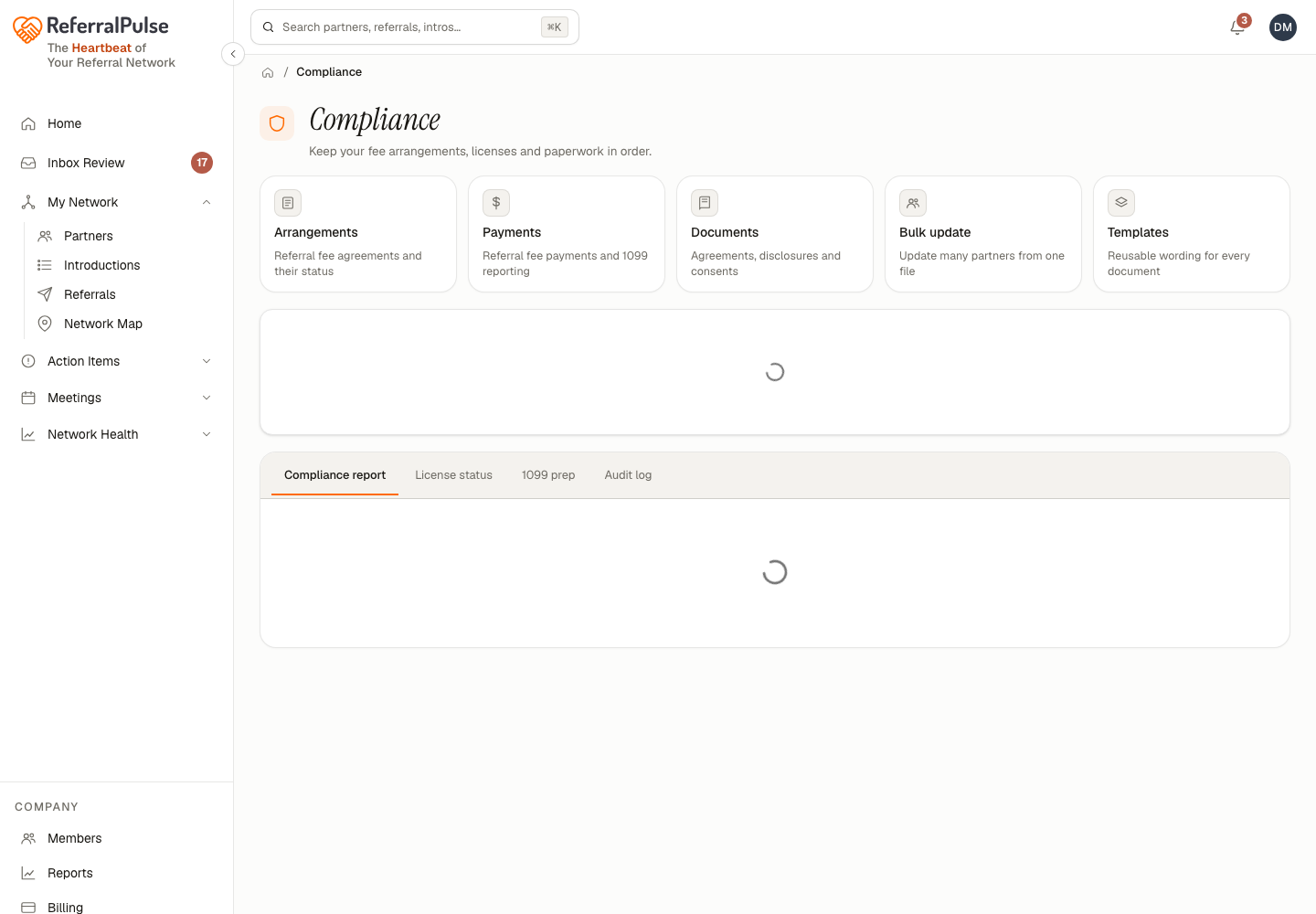
Five cards across the top open the working screens: Arrangements, Payments, Documents, Bulk update and Templates.
Below them, a Compliance Alerts card lists anything that needs clearing, like a partner who has crossed the $600 reporting threshold with no W-9 on file, or an arrangement with no executed agreement. Each alert has a way to act on it and a way to acknowledge it.
Below that sit four tabs:
- Compliance report. Your Compliance Audit Report, with an overall score and letter grade over the period you choose (year to date, last 30 days, or last 90 days), broken into licensing, documentation, arrangements, payments and timeliness. Export it as HTML or CSV.
- License status. Where each partner's licensing stands.
- 1099 prep. What you need at year end.
- Audit log. The record of what happened and when.
Arrangements
Where to find it: Compliance → Arrangements. Referral fee agreements and their status.
One row per partner you exchange referral fees with, showing how many of their documents have been sent. Opening one shows that arrangement's agreements and disclosures separately, with each document's state: generated, sent, or signed.
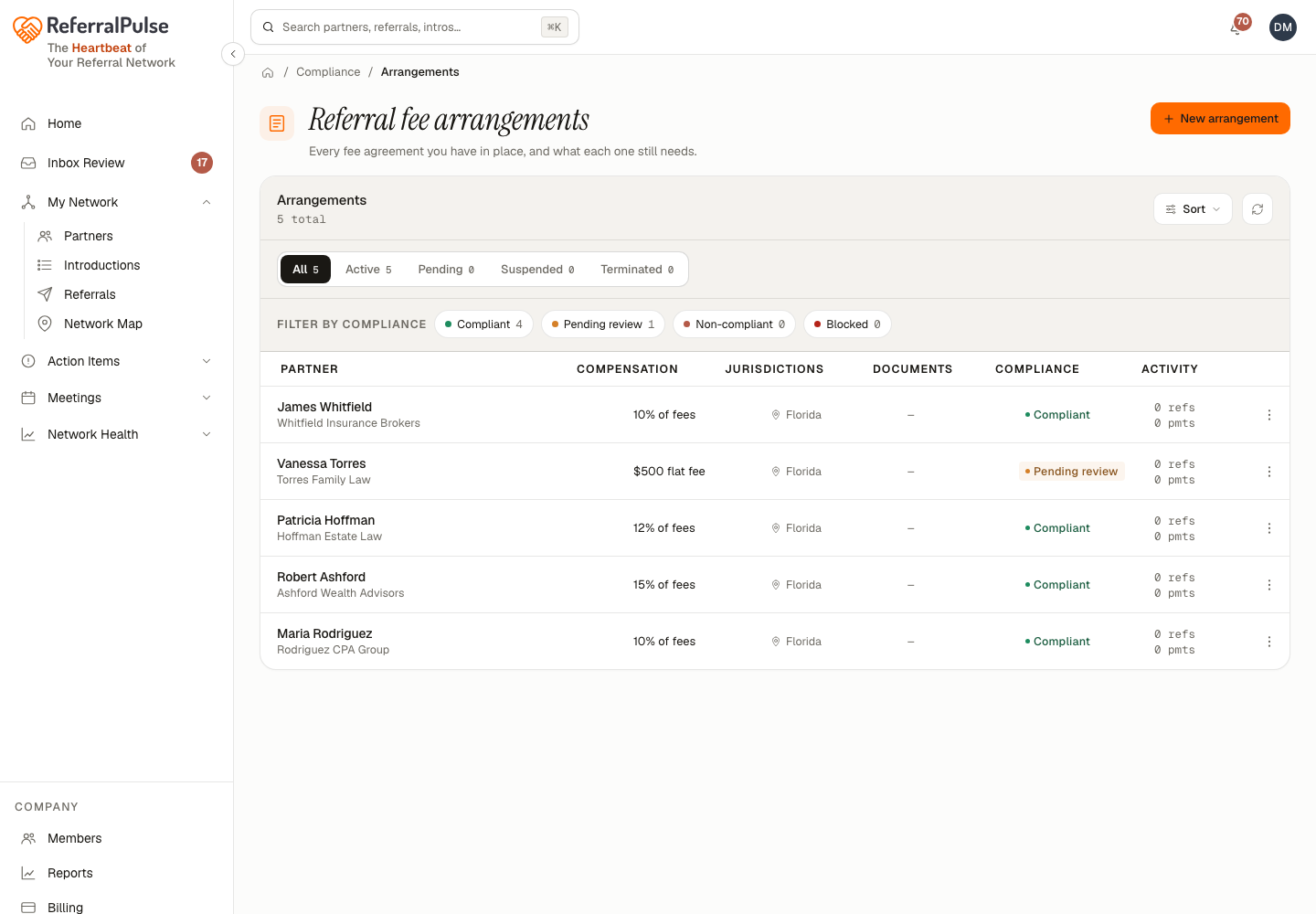
From an arrangement you can send a document to the partner, mark one as sent when you handled it outside the app, or terminate the arrangement when the relationship changes.
Set up the arrangement when you first agree the fee, not when the first referral closes. The paperwork is a five-minute job in advance and an awkward conversation in arrears.
Documents
Where to find it: Compliance → Documents. Agreements, disclosures and consents.
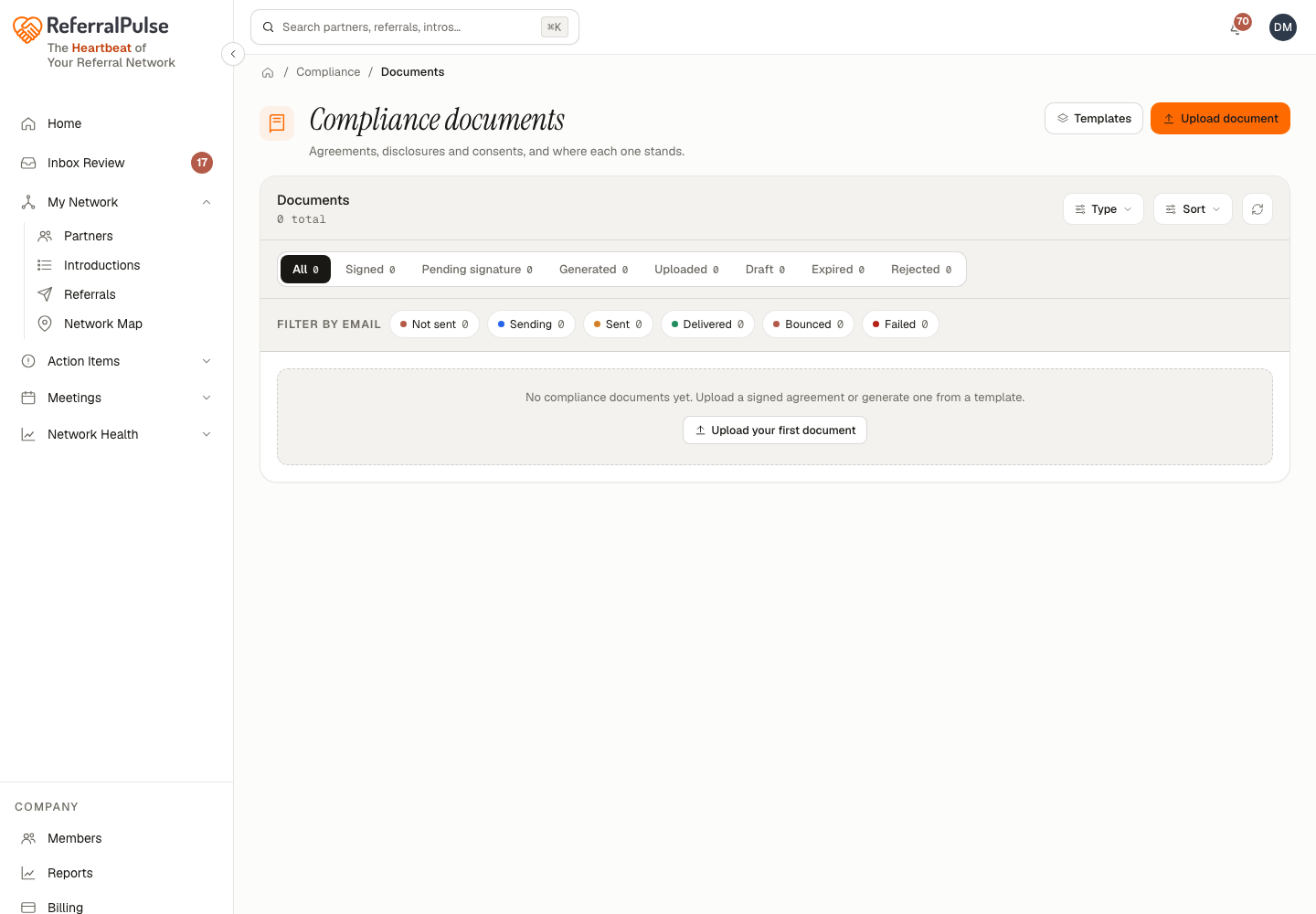
Every document across every arrangement in one list, filterable by type. Each row shows what it is, who it is for, which referral it relates to when it relates to one, and where it has got to. Opening one gives you Send to partner, or Send again where it has already gone out once.
Payments
Where to find it: Compliance → Payments. Referral fee payments and 1099 reporting.
What has been paid, what is owed, and which partners have crossed a reporting threshold. This is the screen to open at year end, alongside the 1099 prep tab on the compliance page.
Templates
Where to find it: Compliance → Templates. Reusable wording for every document.
The wording your agreements, disclosures and consents are built from. Edit a template once and every document generated afterwards uses it. Documents already sent are not changed.
Have your own counsel read the templates once before you rely on them. They are a sound starting point, not legal advice, and a single pass by someone who knows your jurisdiction is worth the hour.
Bulk update
Where to find it: Compliance → Bulk update. Update many partners from one file.
For bringing licensing and compliance details across for a lot of partners at once. Upload a CSV with a header row, up to 500 rows at a time. Each row needs at least one way to identify the partner: their partner ID, their email, or their first and last name. Other columns, like a professional license number, are what actually gets written.
After it runs you get a What happened summary with the share of rows that went through, and a per-row reason for anything that did not.